
Creating an account on Ludo 333 Game is a simple process that allows new players to access the platform and explore its available gaming features. Follow these easy steps to get started.
Step 1: Download the App
Download the Ludo 333 Game from a trusted source and install it on your Android device.
Step 2: Open the Ludo 333 Game
Launch the app after installation. You should see the main screen with the available login and registration options.
Step 3: Select Register
Tap the Register or Sign Up button to open the account creation form.
Step 4: Enter Your Details
Provide the required information, such as your mobile number or email address, and create a secure password.
Step 5: Verify Your Account
If verification is required, enter the OTP sent to your registered mobile number or email address.
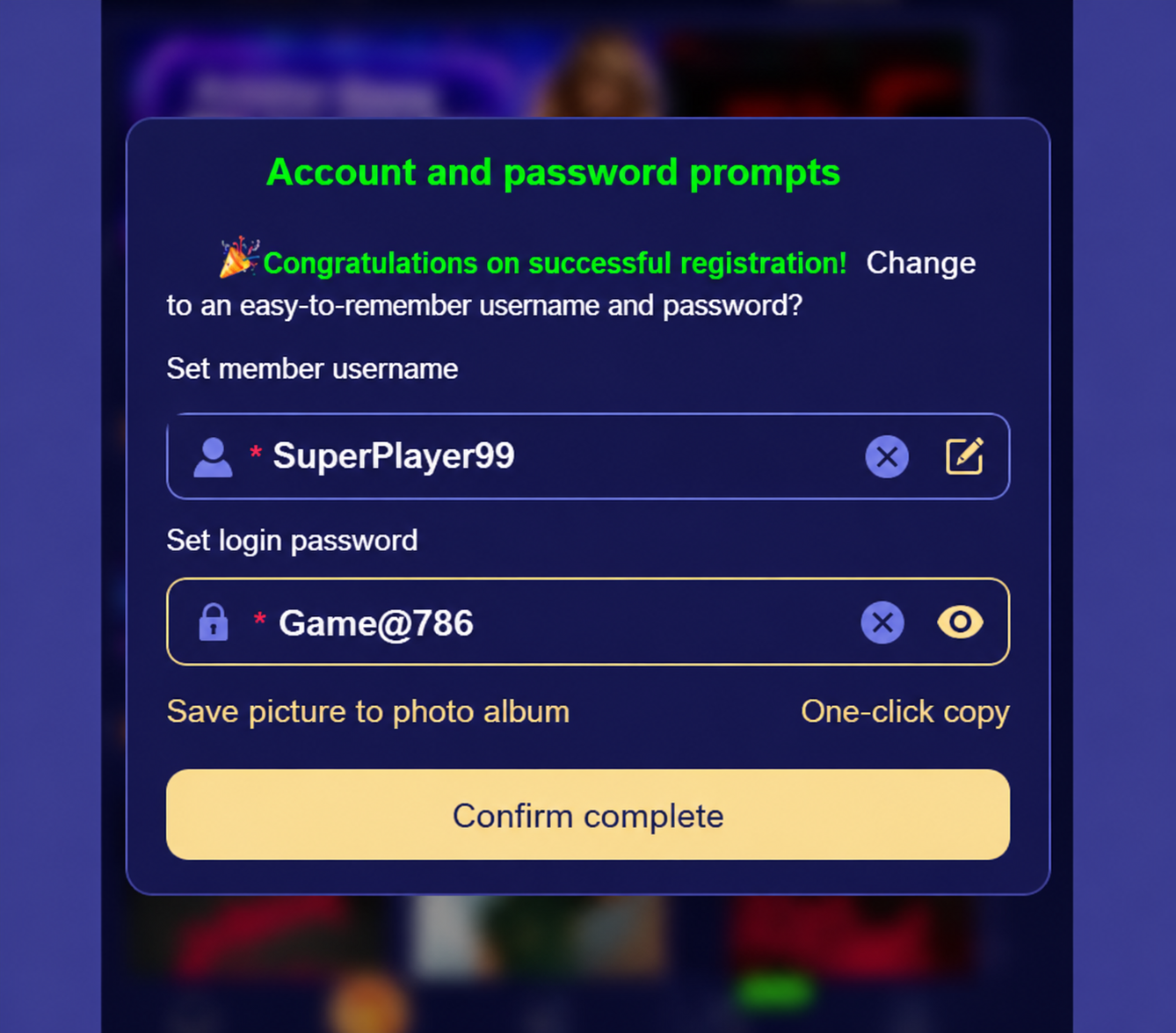
Step 6: Complete Registration
Submit the required information and follow the on-screen instructions. Once registration is successful, you can log in using your account credentials. visite site
Final Words
Registering in Ludo 333 Gme is straightforward when you follow the correct steps. Make sure your information is accurate, use a strong password, and download the application from a trusted source. Always review the platform’s terms and conditions before using its features.