
Logging into Ludo 333 Game is a simple process that allows registered players to access their accounts and enjoy their favorite games. Whether you are a new player or returning user, you can access your account in just a few steps.
In this guide, we will explain how to log in to Ludo 333 Game, what information you need, and how to solve common login problems. visite ludo333games.com
Step-by-Step Process to Login into Ludo 333 Game
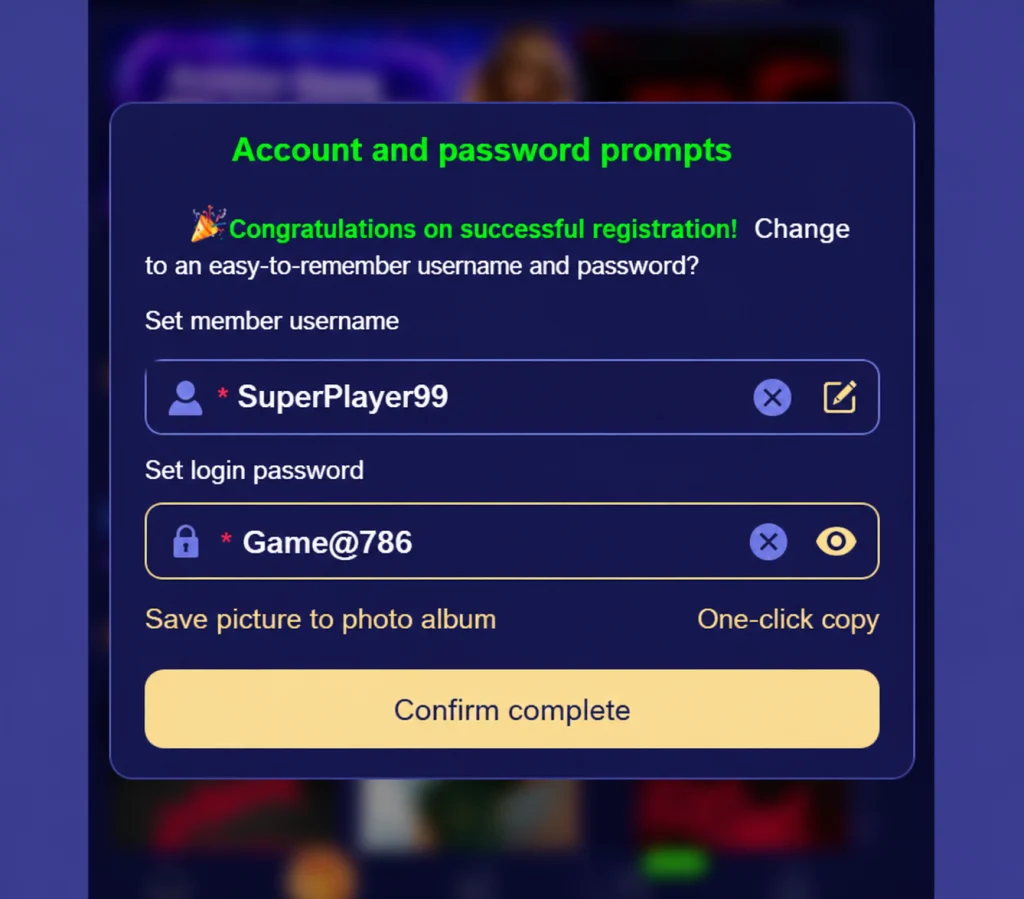
Follow these simple steps to access your Ludo 333 Game account without unnecessary difficulties.
Step 1: Open the Ludo 333 Game
First, open the Ludo333 application on your Android device. Make sure you have installed the app and that your internet connection is working properly.
Step 2: Click on the Login Button
Once the application opens, look for the Login button on the main screen. Tap it to access the login section.
If you are a new player who has not created an account yet, you may need to complete the registration process first.
Step 3: Enter Your Registered Details
Enter the mobile number or email address associated with your Ludo 333 Game account. Then, provide your registered password in the required field.
Make sure your login information is correct before continuing.
Step 4: Tap the Login Button
After entering your account details, tap the Login button to proceed. If the information is correct, the application should take you to your account dashboard.
Depending on the platform’s security process, you may also be asked to complete an additional verification step.
Step 5: Access Your Account and Start Playing
Congratulations! Once your login is successful, you can access the available features of your account.
Explore the games and settings available on the platform and enjoy your gaming experience.
Common Ludo 333 Game Login Problems and Their Solutions
Sometimes, players experience difficulties while accessing their accounts. Here are some common issues and possible solutions.
1. Incorrect Password
If you receive an incorrect password message, check whether you entered the correct password. Make sure Caps Lock or any unnecessary spaces are not causing the problem.
2. Forgot Your Password
If you cannot remember your password, look for the Forgot Password option on the login screen. Follow the available account recovery instructions to reset it.
3. Internet Connection Problems
A weak internet connection can prevent the application from loading properly. Switch to a stable Wi-Fi or mobile data connection and try again.
4. Application Not Opening
If the application does not open, restart your device and check whether an updated version is available through an official source.
5. Verification Issues
If you are not receiving a verification code, check your mobile network, registered phone number, and message inbox. Never share your verification code with another person.
Tips for Keeping Your Ludo333 Account Secure
Account security is important whenever you use an online gaming application. Follow these basic precautions:
- Always use your registered mobile number or email address.
- Create a strong and unique password.
- Never share your password or OTP with anyone.
- Avoid logging in through suspicious links.
- Use trusted sources when downloading application updates.
- Log out when using a shared device.
Frequently Asked Questions (FAQs)
1. How can I log in to Ludo 333?
Open the application, tap Login, enter your registered account details, and follow the on-screen instructions.
2. Can I log in to Ludo 333 without registering?
No. You generally need an existing account to use the login feature. New players should complete registration first.
3. What should I do if I forget my Ludo 333 password?
Use the Forgot Password option, if available, and follow the account recovery instructions.
4. Why is my Ludo 333 account not opening?
This may happen because of incorrect login details, internet connectivity issues, application problems, or account verification requirements.
5. Can I access my Ludo 333 account from another device?
If the platform supports multiple devices, you may be able to log in using your registered credentials. Follow any additional security verification instructions.
Final Words
Logging into Ludo 333 Game is straightforward when you have the correct account information. Simply open the application, enter your registered details, and follow the login instructions.
If you experience any difficulties, check your internet connection and account credentials before trying again. Always protect your login information and use trusted sources to access the application. visite site.